How to Create a Wedding Website in 10 Minutes (No Coding)
A simple step-by-step guide to building a wedding website: what to prepare, what to write first and how to share it with guests.
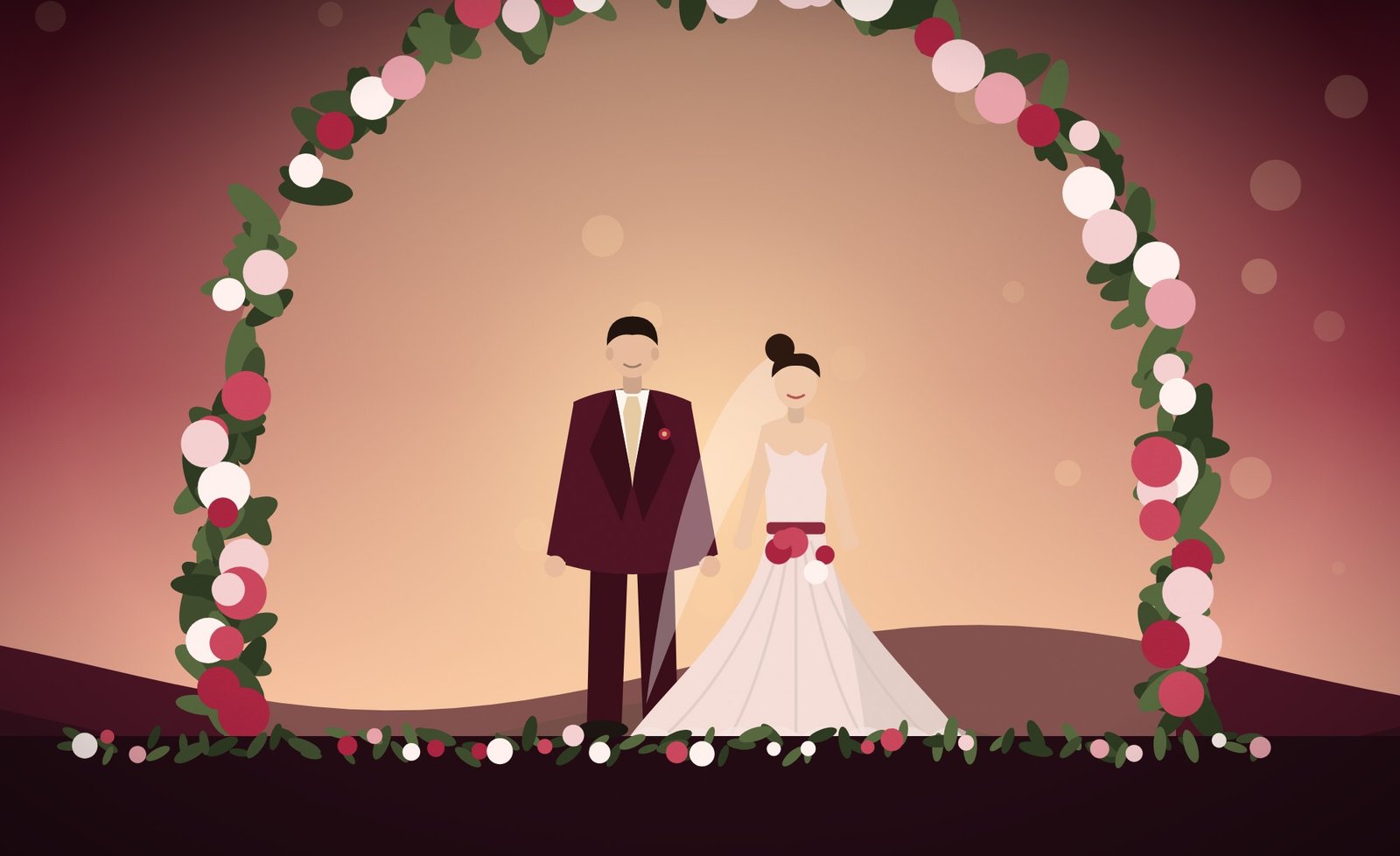
A wedding website sounds like a big project, but with a ready-made template it is closer to filling in a form. Here is a calm, ten-minute plan.
Before you start: gather five things
- Your names and wedding date
- The venue name and address for each event
- One or two good photos
- A short welcome message
- The questions you want guests to answer (for example, number of guests and meal choice)
Step 1: choose a design that fits the day
Pick a template that matches your venue and colours. A rustic barn and a black-tie ballroom want different pages. If you are unsure, read our guide to choosing a style.
Step 2: claim your link
After buying, enter your key on the home page and choose a short address such as /anna-and-tom. Short, lowercase and easy to spell works best.
Step 3: replace the example text
Open the dashboard and work top to bottom: names, date, events, story, then photos. Do not try to perfect everything. A finished page that is 90% right is more useful than a perfect page that is not shared.
Step 4: add the details guests will look for
Add the schedule, parking, dress code and a way to contact someone on the day. These answers save you dozens of messages.
Step 5: preview on your phone, then share
Open your link on a phone and scroll through once. Check names, dates and the RSVP form. Then send it to a couple of friends before sharing widely.
Tip: put the website address on your save-the-date and paper invitations so older guests can find it too.
Ready to start? Browse the templates or see how activation works.
Get your wedding website today
Buy once on Etsy, receive your key and have your website live this evening. No subscription.
More guides
Oct 24, 2026
What to Put on a Wedding Website: The Complete Checklist
The sections every wedding website needs, from welcome message and schedule to travel, FAQ and registry, plus what to leave out.
Read the guide →
Oct 21, 2026
How to Choose a Wedding Website Style That Matches Your Day
Match your website to your venue, colours and season. A practical guide to choosing between floral, classic, modern, rustic and destination styles.
Read the guide →
Oct 18, 2026
Wedding RSVP Wording and Meal Choice Questions (With Examples)
Clear RSVP wording for a wedding website, how to ask about meal choices and dietary needs, and what deadline to set.
Read the guide →